Beacon.
Launch day, done.
A complete website for launching a SaaS: landing page, pricing, docs with search, a changelog, a waitlist and real sign-up and sign-in with an account page. Made for founders and indie hackers who want to ship the product, not spend a week on the site around it.
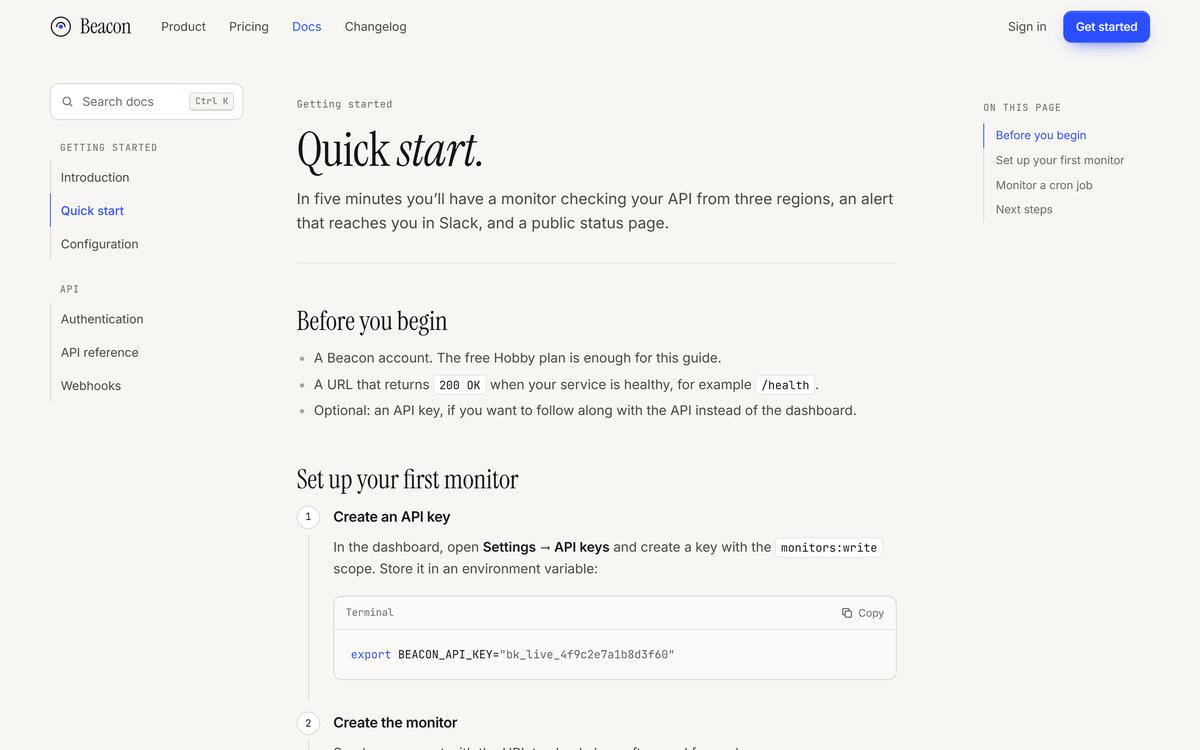
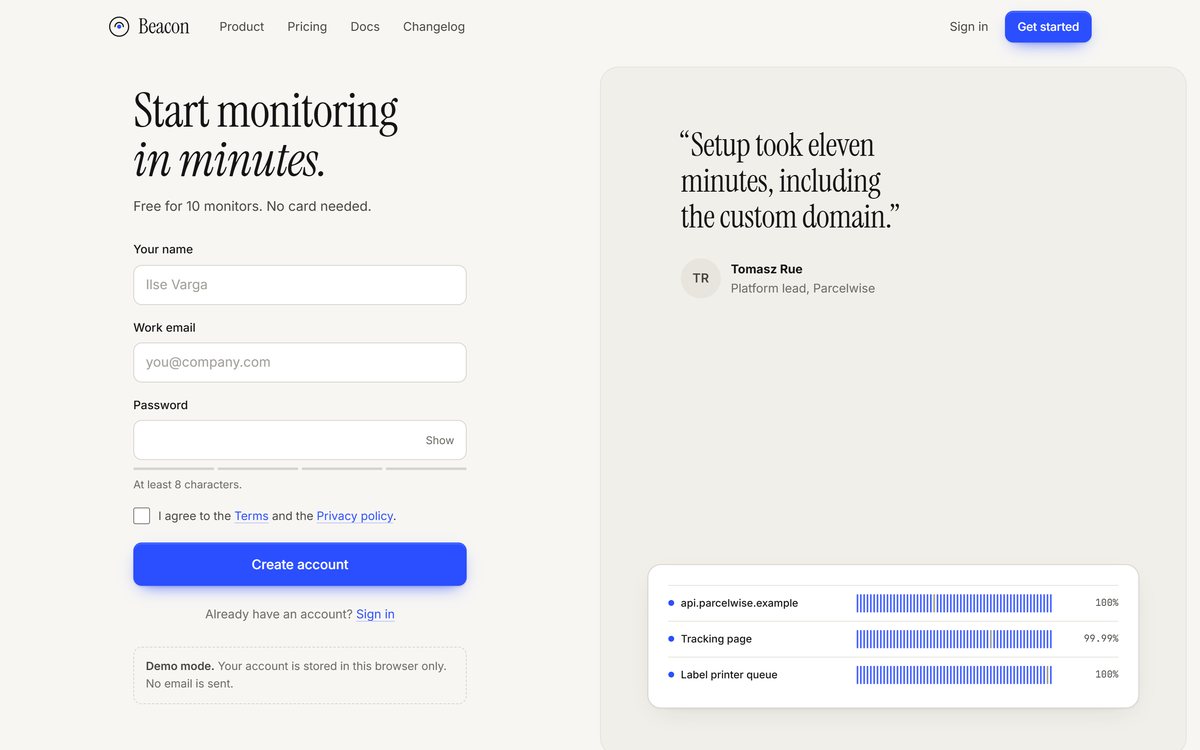
Every page a launch needs.
Not a single landing page. A whole site, linked up, with the dull parts done: forms, states, empty pages, legal placeholders.
Landing page
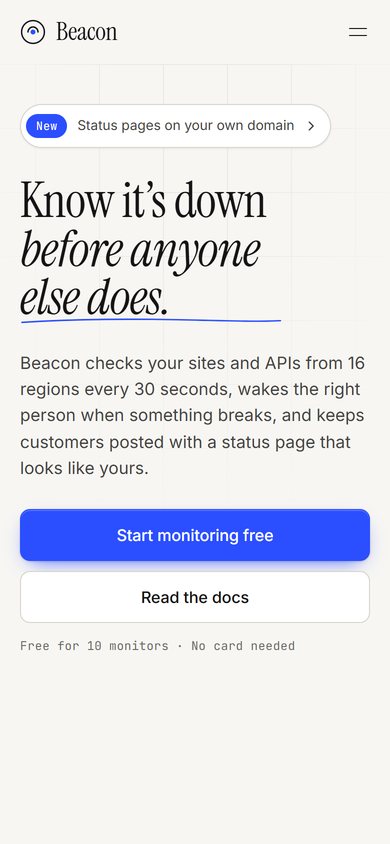
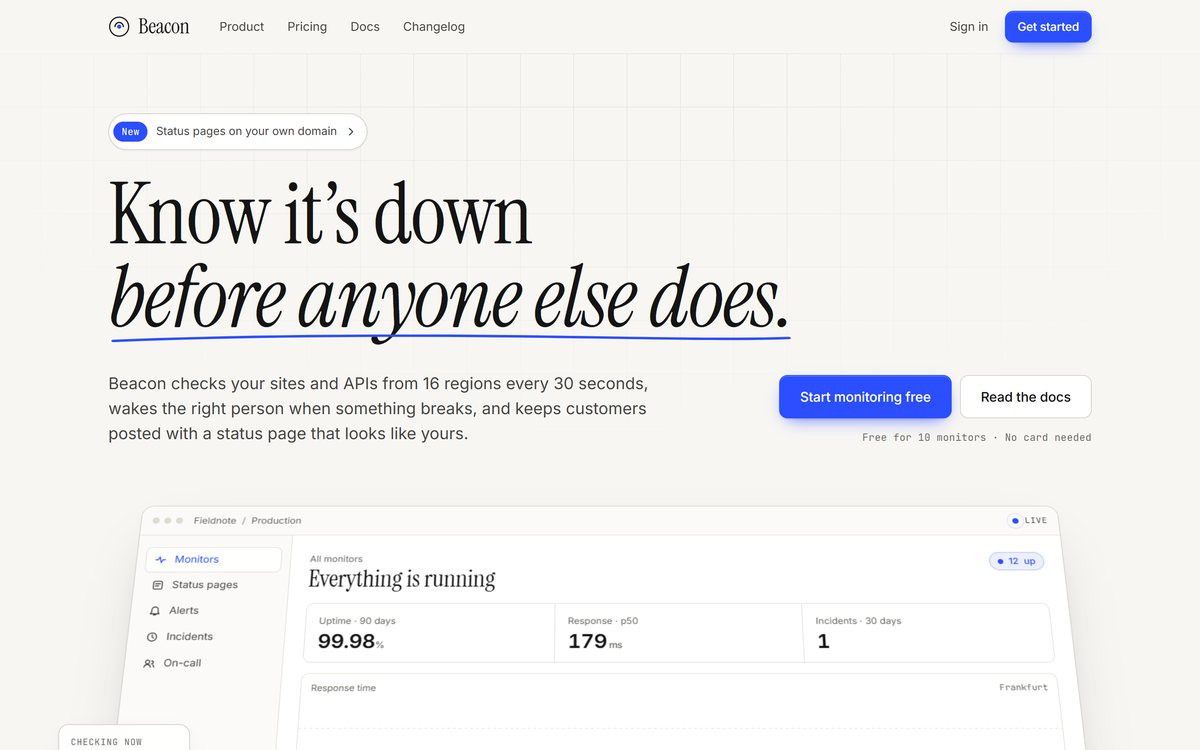
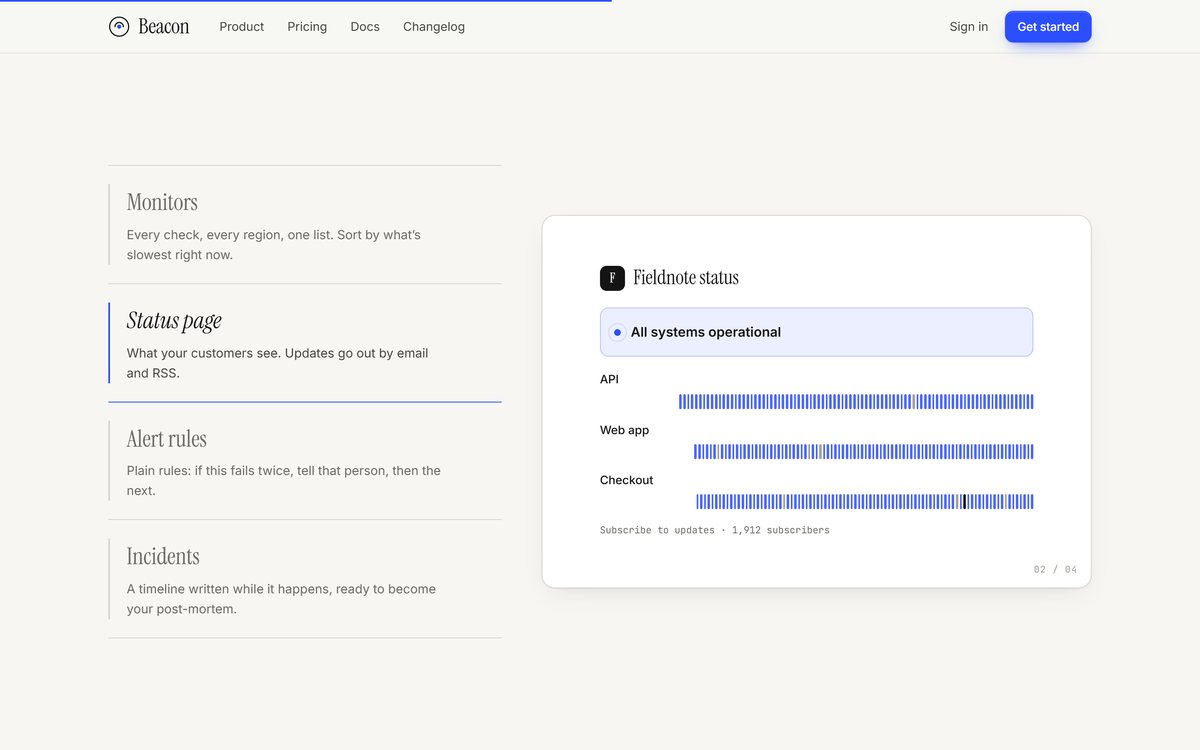
Hero with a live product mock, logo strip, features, how it works, a pinned product tour, numbers, testimonials, pricing teaser, FAQ and a waitlist.
Pricing
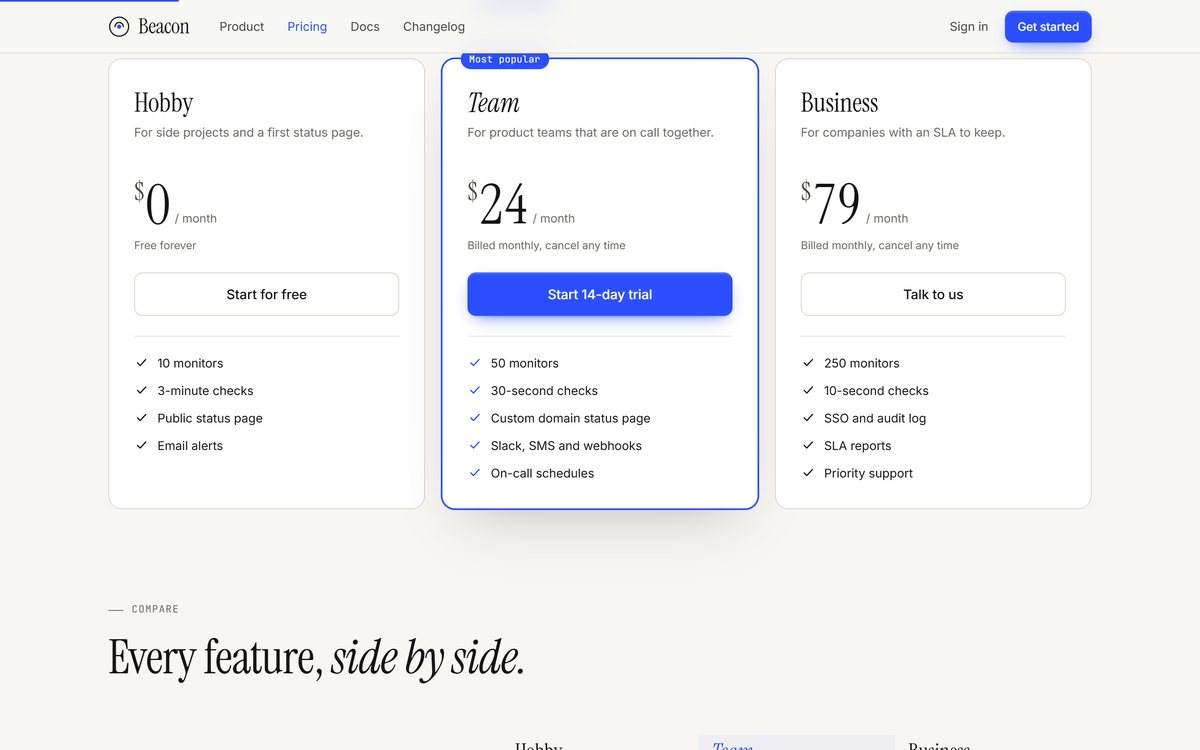
Monthly / yearly toggle with rolling prices, three plans, a full comparison table and a billing FAQ. Plans come from the config file.
Docs, six pages
Sidebar, "On this page", code blocks with copy buttons, prev / next and Ctrl/Cmd + K search. Add a page by copying one.
Changelog
Release timeline with New, Improved and Fixed tags. One block per release.
Sign up, sign in, reset
Real forms with validation and a password meter. In demo mode accounts live in the browser, with Supabase they're real, including the confirmation mail.
Account page
Protected page: change your name, see your plan, sign out, delete the account.
Waitlist
Email sign-up on the landing page. Saved in the browser in demo mode, in a Supabase table nobody can read with the public key.
404, terms, privacy
A not-found page and two legal pages with placeholder text to replace with your own.
Motion
Split headings, a hero that tilts and straightens on scroll, a pinned product tour, count-ups and chart draws. No libraries; reduced motion gets a calm version.
One file for the brand.
Name, accent colour, menus, footer, plans and prices, backend: all in site.config.js. Header and footer render from it, so a menu change is one edit, not sixteen.
productName: 'Beacon',
accent: '#2b4eff',     one accent colour
backend: 'demo',       or 'supabase'
nav: [ … ],            header links
footer: [ … ],         footer columns
currency: '$',
tiers: [               plans and prices
  { name: 'Team',
    monthly: 24,
    yearly: 19, … },
]
- Double-click and it runsClassic scripts, no modules: open index.html straight from the folder and every page works.
- Or answer a few questionsnpm run setup writes the config for you, including your Supabase keys.
- Demo mode firstAccounts and waitlist sign-ups stay in the browser. No third-party requests, fonts bundled.
- Supabase when you go liveReal accounts, confirmation and reset mails, a waitlist table and row-level security. The README walks you through it in about ten minutes.
- Its own lookLight editorial design with serif headlines. Swap the accent and the fonts in one place.
- Host it anywhereNetlify, Vercel, Cloudflare Pages, GitHub Pages or plain FTP. It's static files.
One ZIP. Your launch site by tonight.
The full source
All 16 pages, styles, bundled fonts, demo and Supabase adapters, the Supabase schema, setup and docs-index scripts, README, changelog and license.
Almost nothing
A browser to try it. Node 18+ only for the tiny local server and the setup script. A free Supabase project for real accounts.
Unlimited projects
Personal and commercial, including client work and products you sell. Just don't resell or share the template itself.
What buyers say.
Only people who bought Beacon can rate it.
Before you buy.
Is the demo the same site I get?
Yes, every page, minus the Supabase part: the demo keeps accounts and waitlist sign-ups in your browser. The ZIP adds the Supabase adapter, the database schema and the setup, local server and docs-index scripts.
The demo is about uptime monitoring. Does that fit my product?
The copy is written for "Beacon", an invented monitoring tool, so the pages read like a real product instead of lorem ipsum. You replace the text with your own: headlines and sections are plain HTML, brand, menus and plans live in the config file. The layout works for any SaaS.
Do I have to use Supabase?
No. Without it, Beacon runs in demo mode with everything kept in the browser, which is fine for a preview. For real accounts and a real waitlist, Supabase's free tier is enough. Other backends: both adapters share one small interface, so you can write your own.
Does it take payments?
No, and it doesn't pretend to. The pricing page links to sign-up, and each account has a plan field that only your server can change. Connect your billing (for example a Stripe webhook) to set it; the README explains where.
Which format is it? Is there a React version?
One format: plain HTML, CSS and JavaScript, classic scripts without modules. No framework and no build step, so it runs from a double-clicked file, on any static host, and drops into any stack. A React or Next.js version doesn't exist yet. If you'd buy one, tell us: we build the formats people ask for.
What if I don't like the animations?
Visitors with "reduce motion" switched on get a calm version automatically. To remove motion entirely, delete the two motion lines from the pages.
How do I pay and download?
You create an account with your email, pay with crypto and the download unlocks in your account once the payment is confirmed.
Refunds?
Once you start the download the right of withdrawal ends (you confirm this at checkout), which is why the full demo comes first. If something doesn't work, write to us and we fix it.